More consistent forecasts
Standardize decline workflows and reduce the variability that comes from personal spreadsheet formats and hidden assumptions.
System Overview
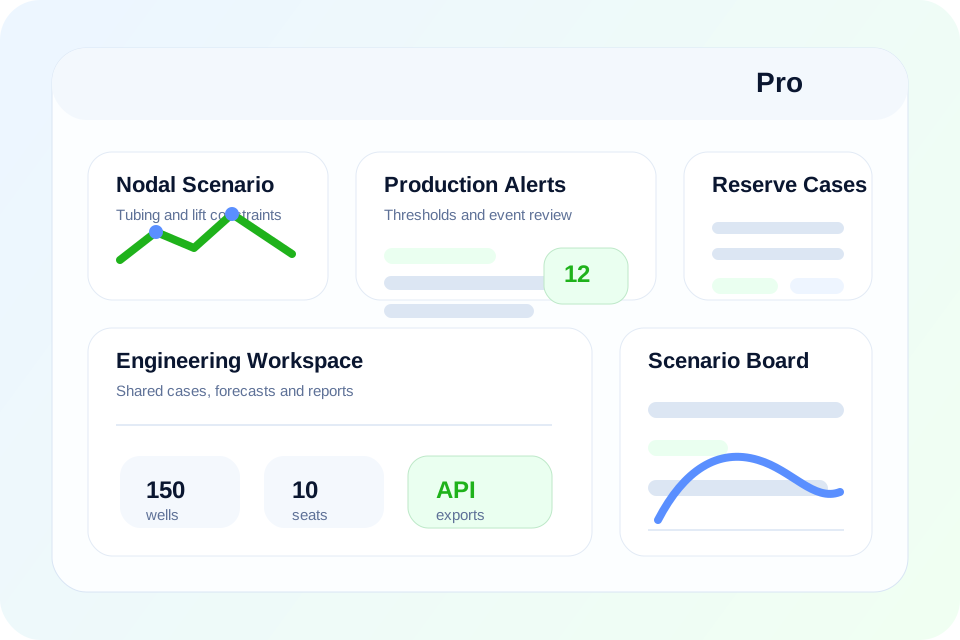
PetroSphere helps reservoir and asset teams build decline cases, compare forecast assumptions, organize reserve reviews and keep technical outputs in a structured product instead of maintaining fragmented spreadsheets and disconnected review files.
Benefits
Standardize decline workflows and reduce the variability that comes from personal spreadsheet formats and hidden assumptions.
Track multiple reserve or planning cases with stored notes, assumptions and comparison views.
Assemble management or partner-facing outputs with less manual formatting and fewer disconnected source files.
Give production, reservoir and planning teams a common place to review the same forecast logic and case history.
Characteristics
The purpose is not just forecasting faster, but keeping the logic behind the forecast visible, reusable and reviewable.
This is valuable when forecasts support internal planning, budgeting, reserves updates or partner-facing technical reviews.
Included Workflows
How Teams Use It
Load history, define assumptions and save a structured forecast case with the context needed for later review.
Review base, upside and downside cases against operational assumptions, field constraints or reserve interpretations.
Export the technical review, summarize the recommendation and keep the case history stored for future planning cycles.
Next Step
If your team is already spending too much time reviewing or rebuilding forecast cases, start with the demo and then compare the Pro and Enterprise plans.
Pro is usually the right starting point for teams that need decline, reserve and shared engineering case workflows without a large enterprise deployment.